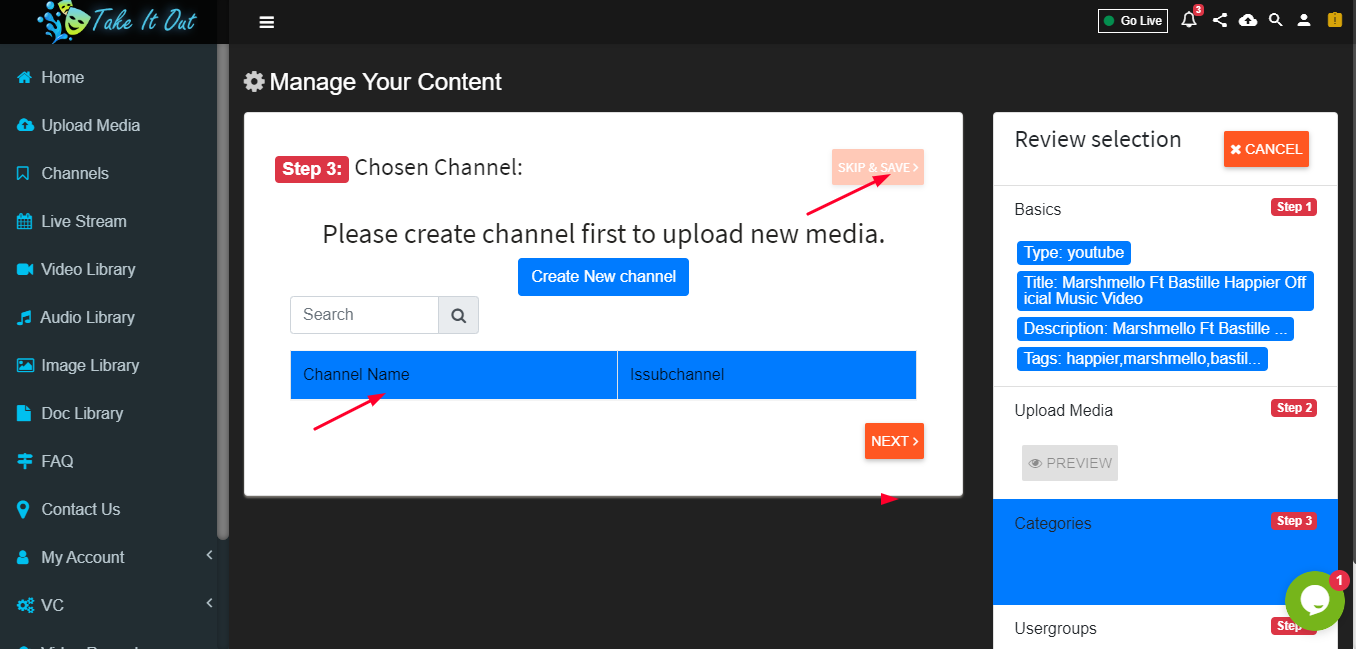
Upload Video
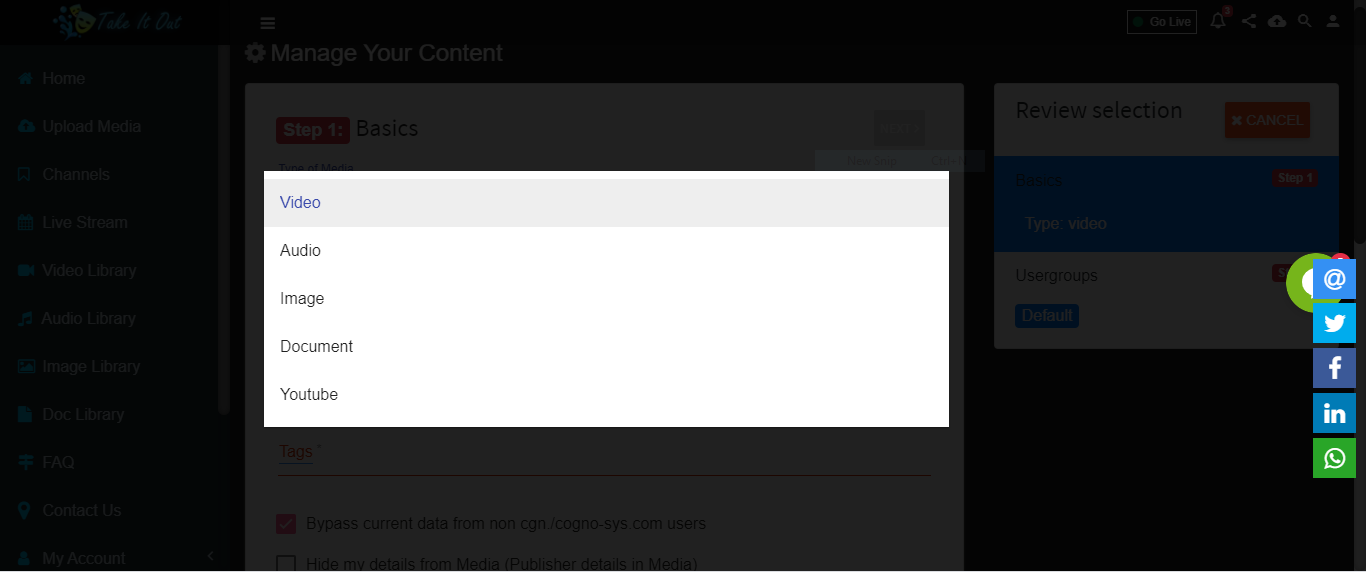
Select Type of Media as Video
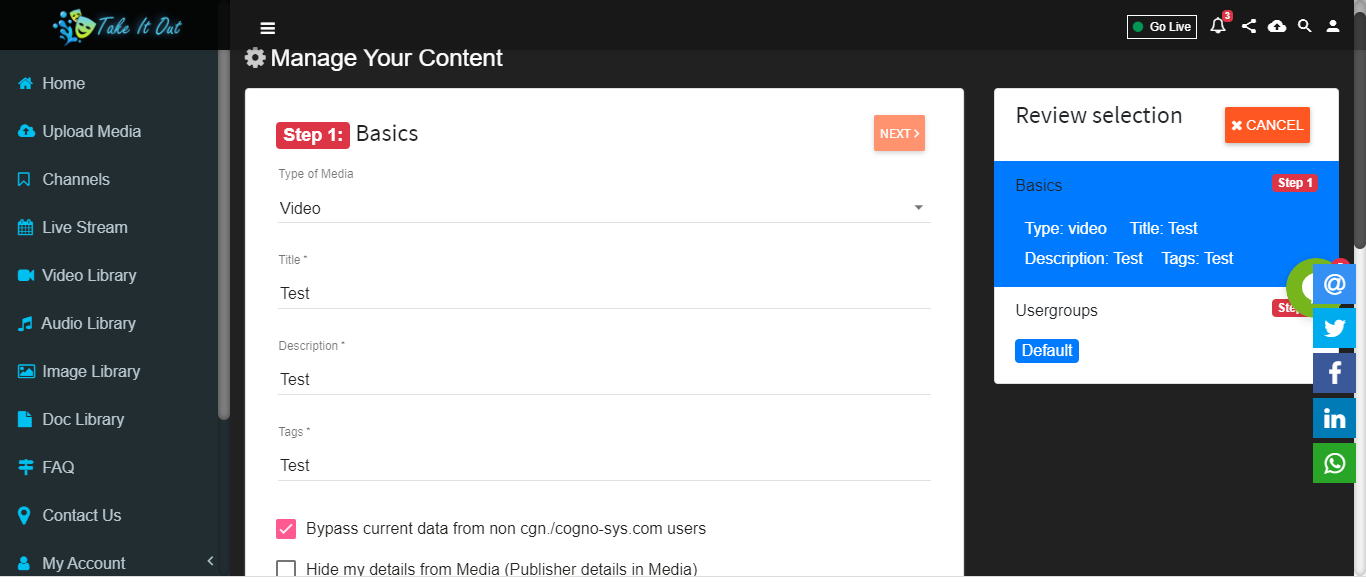
Fill all relevant information related to video,
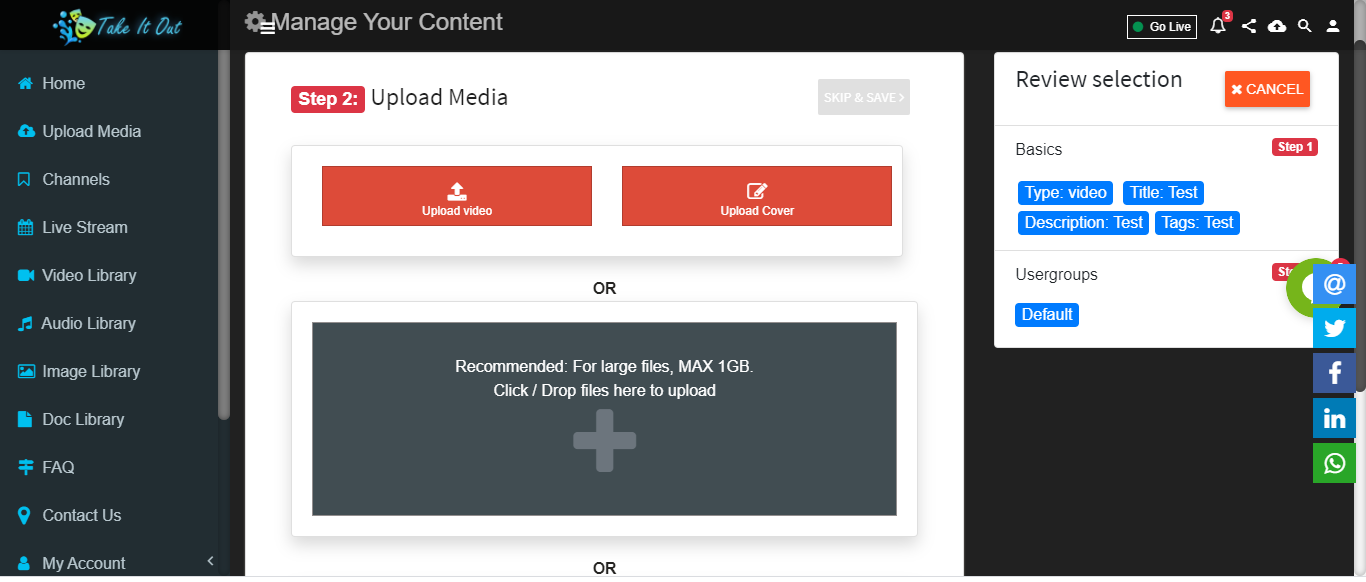
By selecting upload media button, user can select media to upload
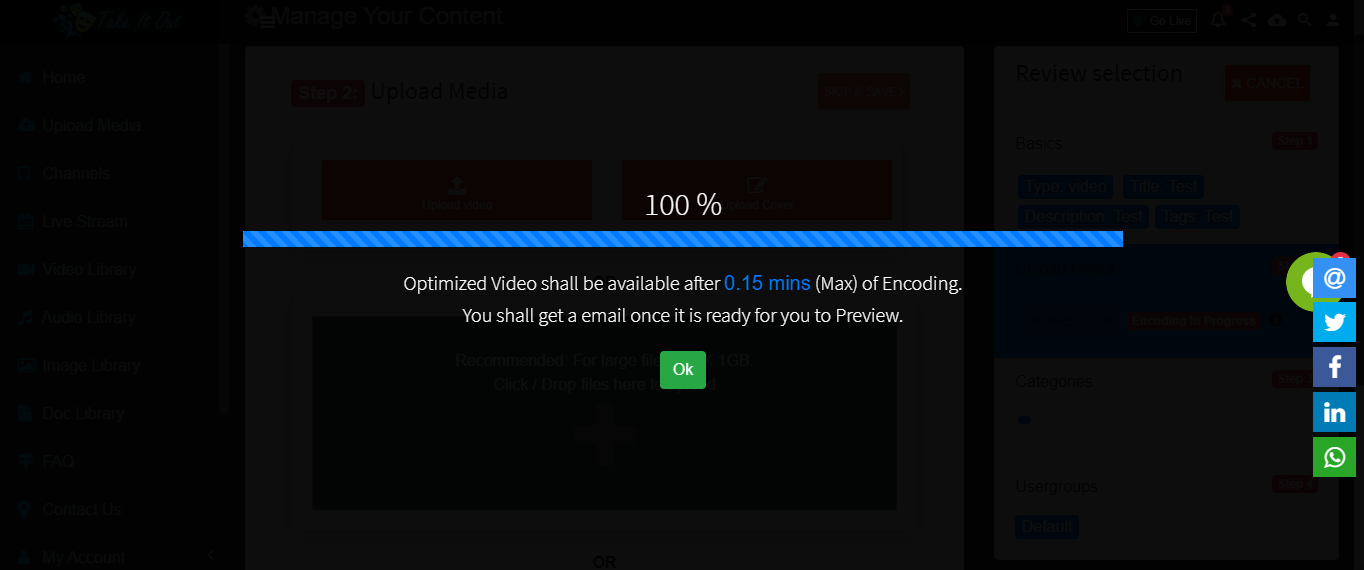
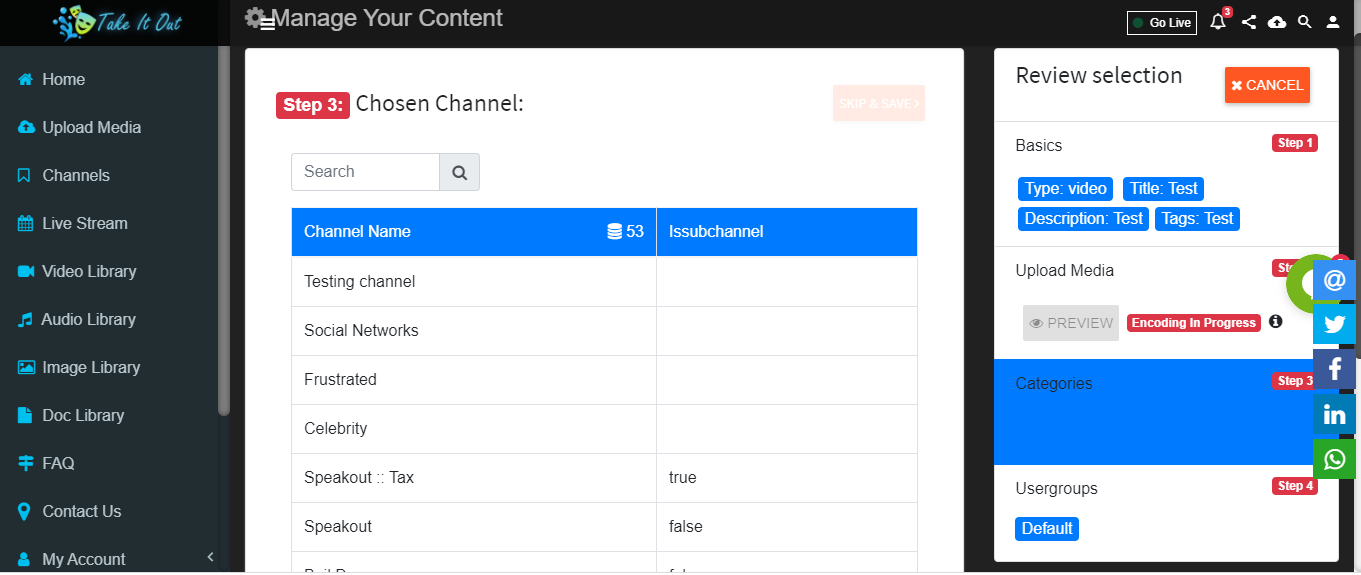
2.Add Channel
Fill in all fields with relevant information and select Channel in which the video is to be uploaded.
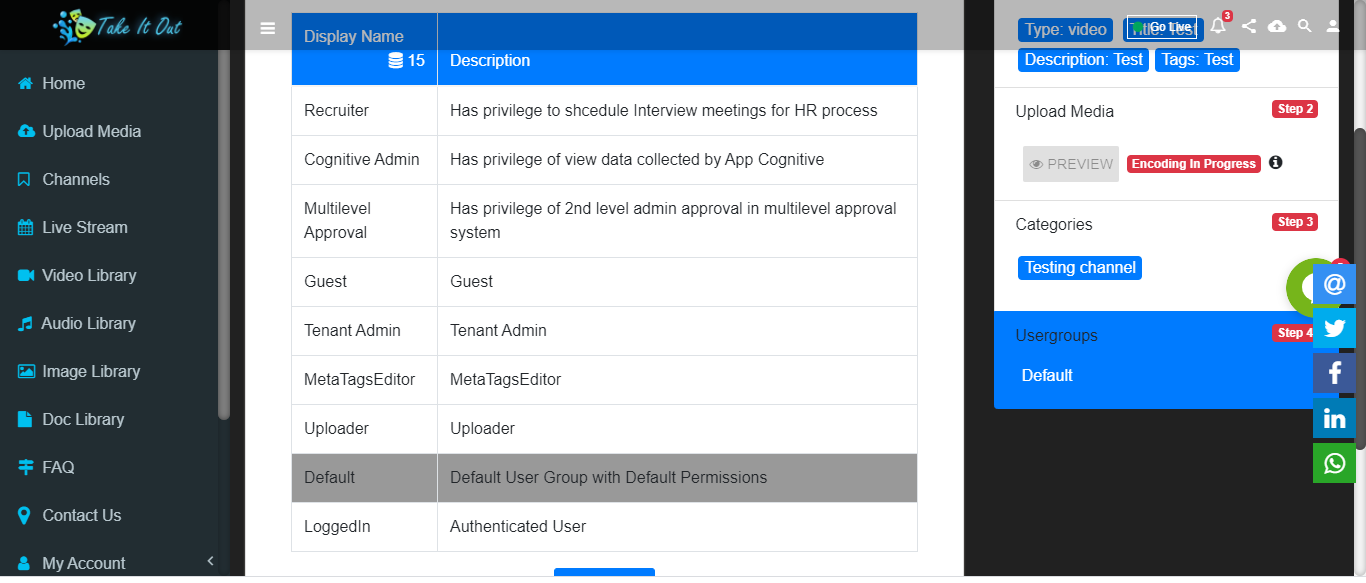
Select usergroups
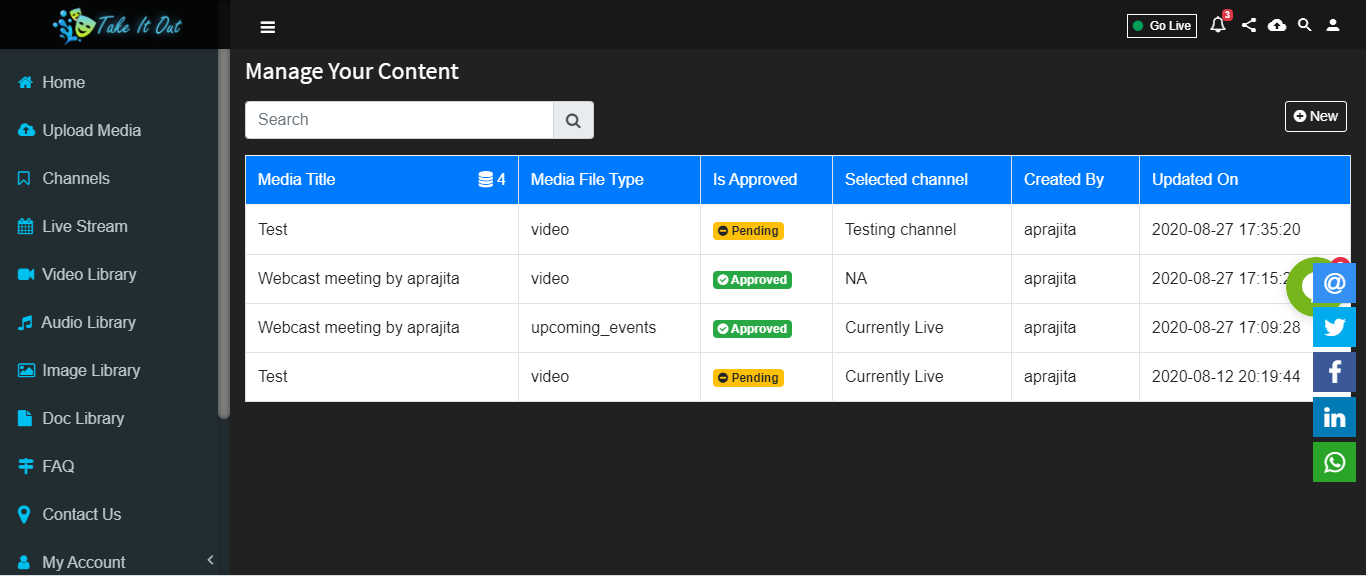
Pending to Approve :
After the video is uploaded it appears in My Media section in ‘Pending’ State.Admin can Approve the video ,after Admin Approve video it display in Video Library.
User Can Save A Video In Another Way Also
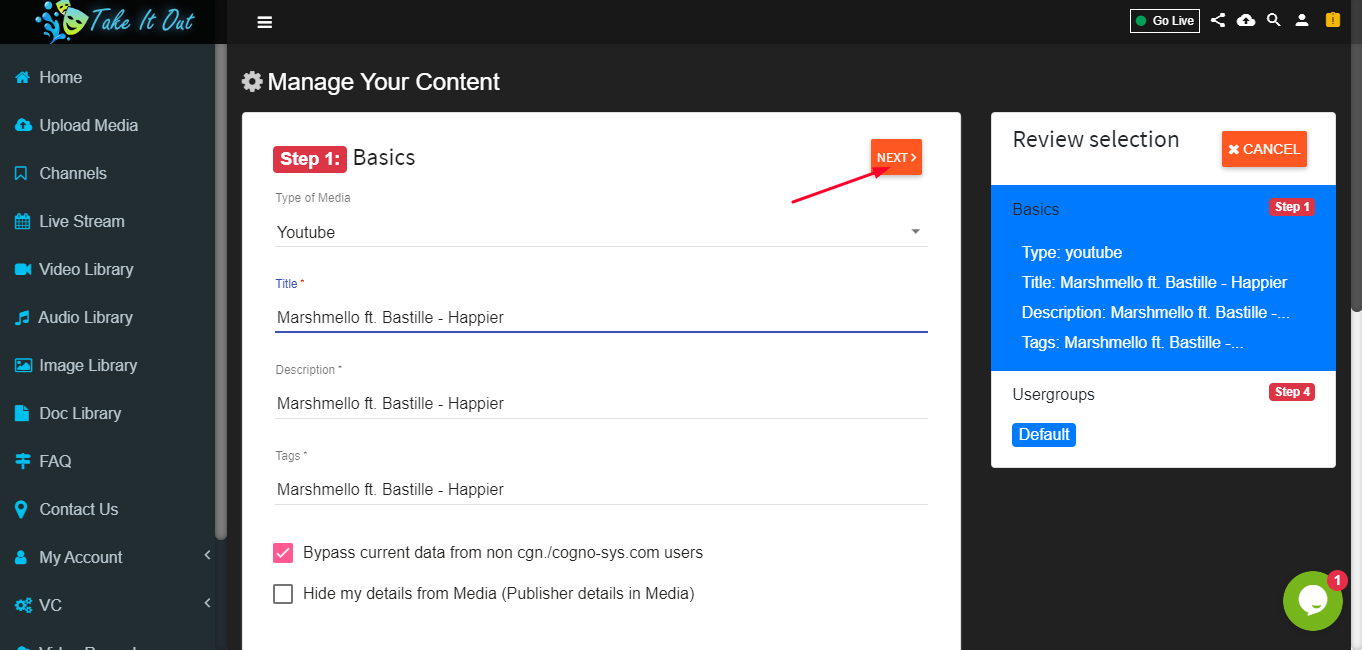
Select The Video,Put Relevant Informations and Click Next
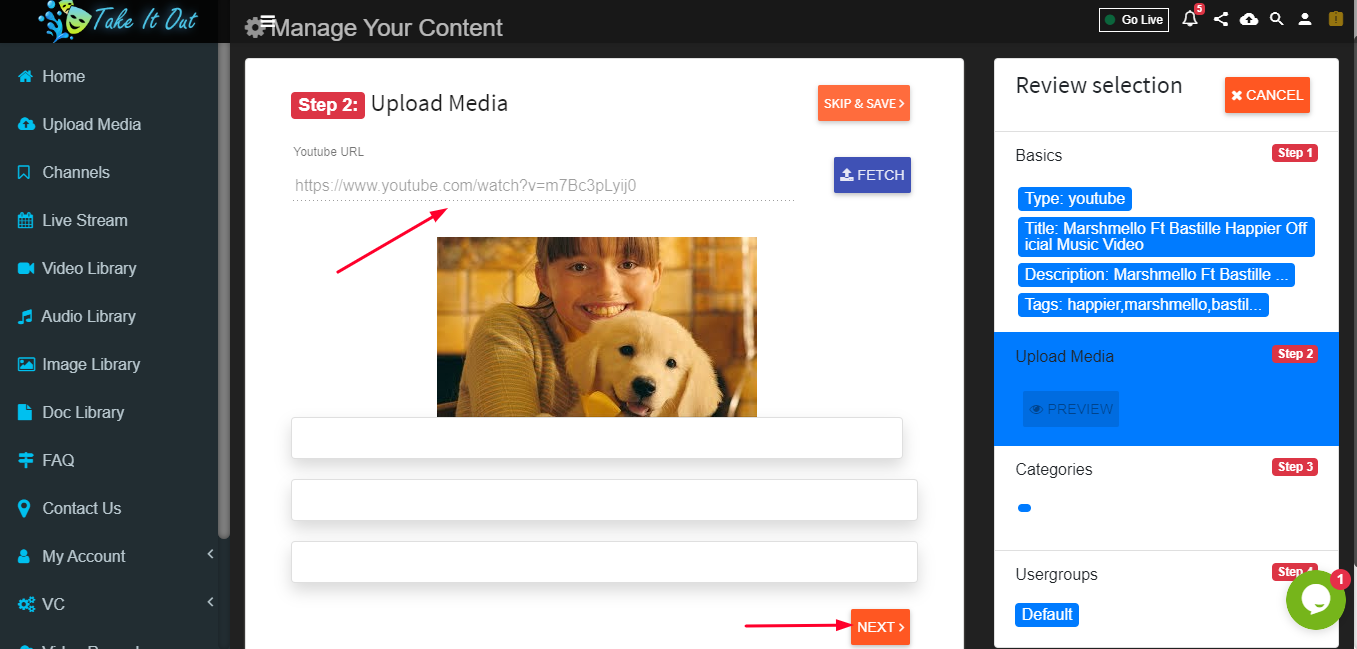
Put The URL and Click Next
Select Channel Skip and Save